 Velum Studio

Plugin
Velum Gauges
Velum Studio · Made by Velum's team
Your game's speed, revs and gear, or your aircraft's airspeed and altitude, as gauges in your scene.
Version 0.1.0 · November 16, 2026 · 34.5 MB
Open the Gallery in Velum Studio to install it in one click, or download velum-gauges-0.1.0.velumplugin and open it with Studio.
Signed by Legendre Media Inc. Studio checks the signature and the file's checksum before anything is installed.
Screenshots


About
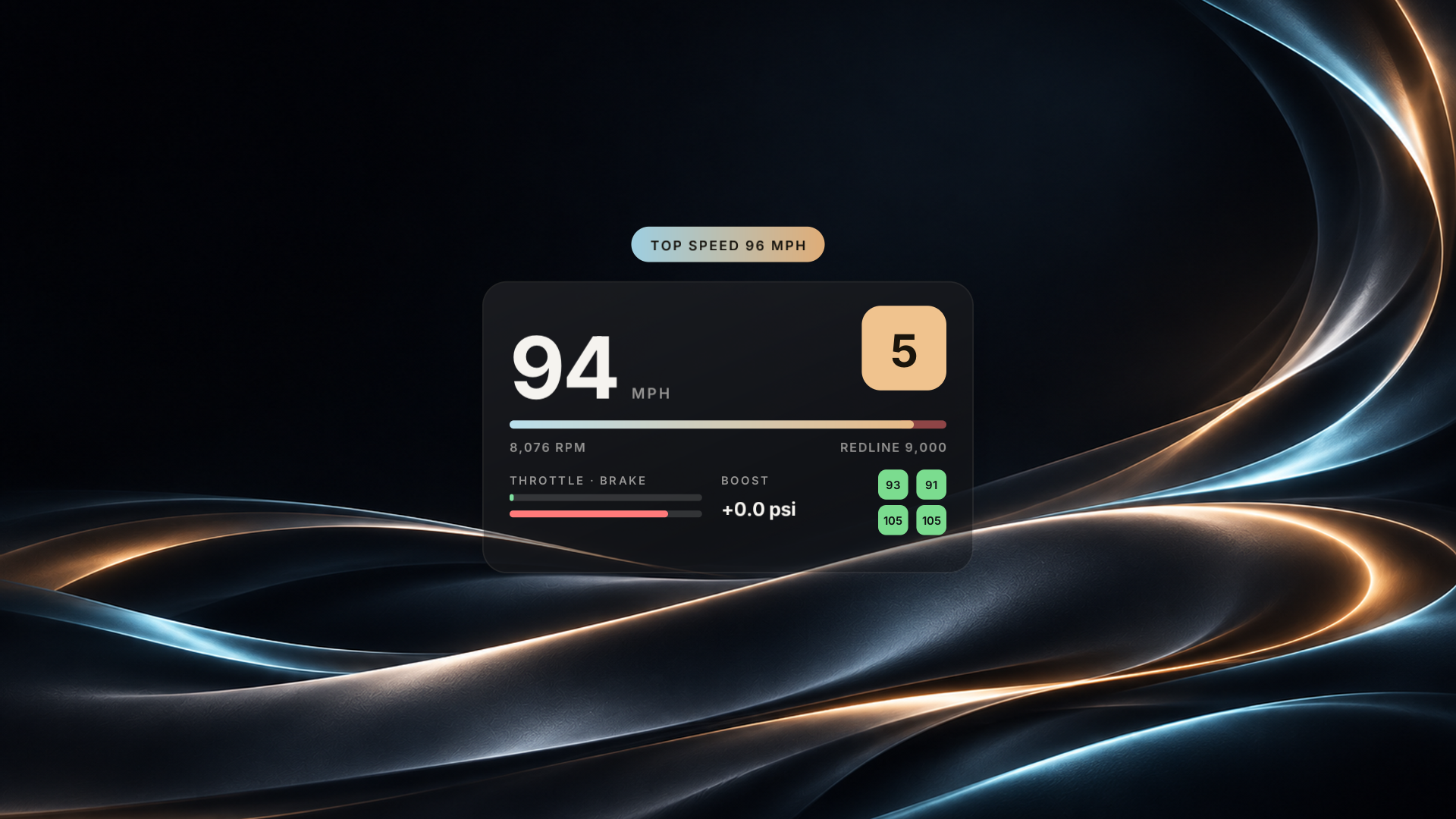
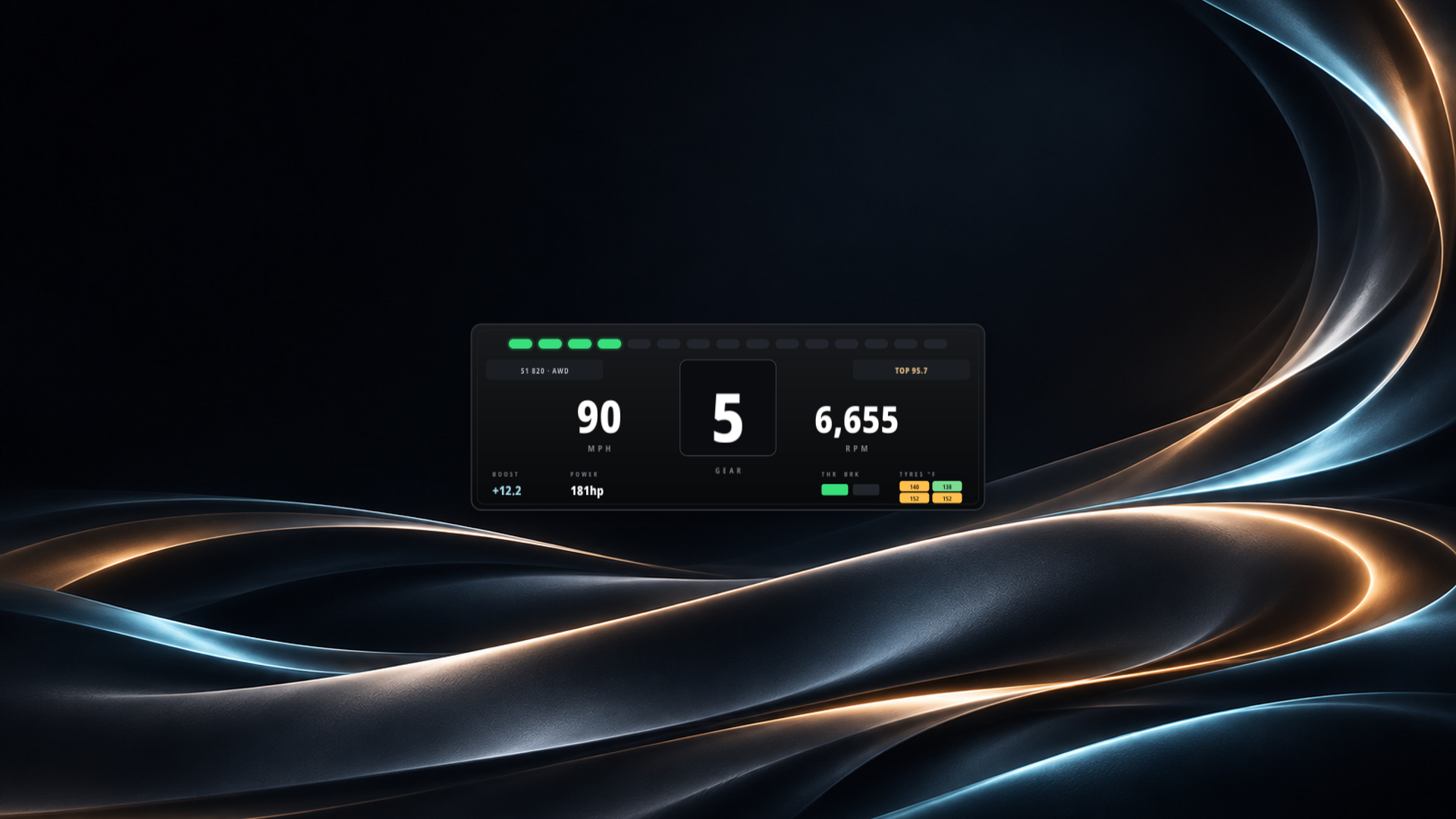
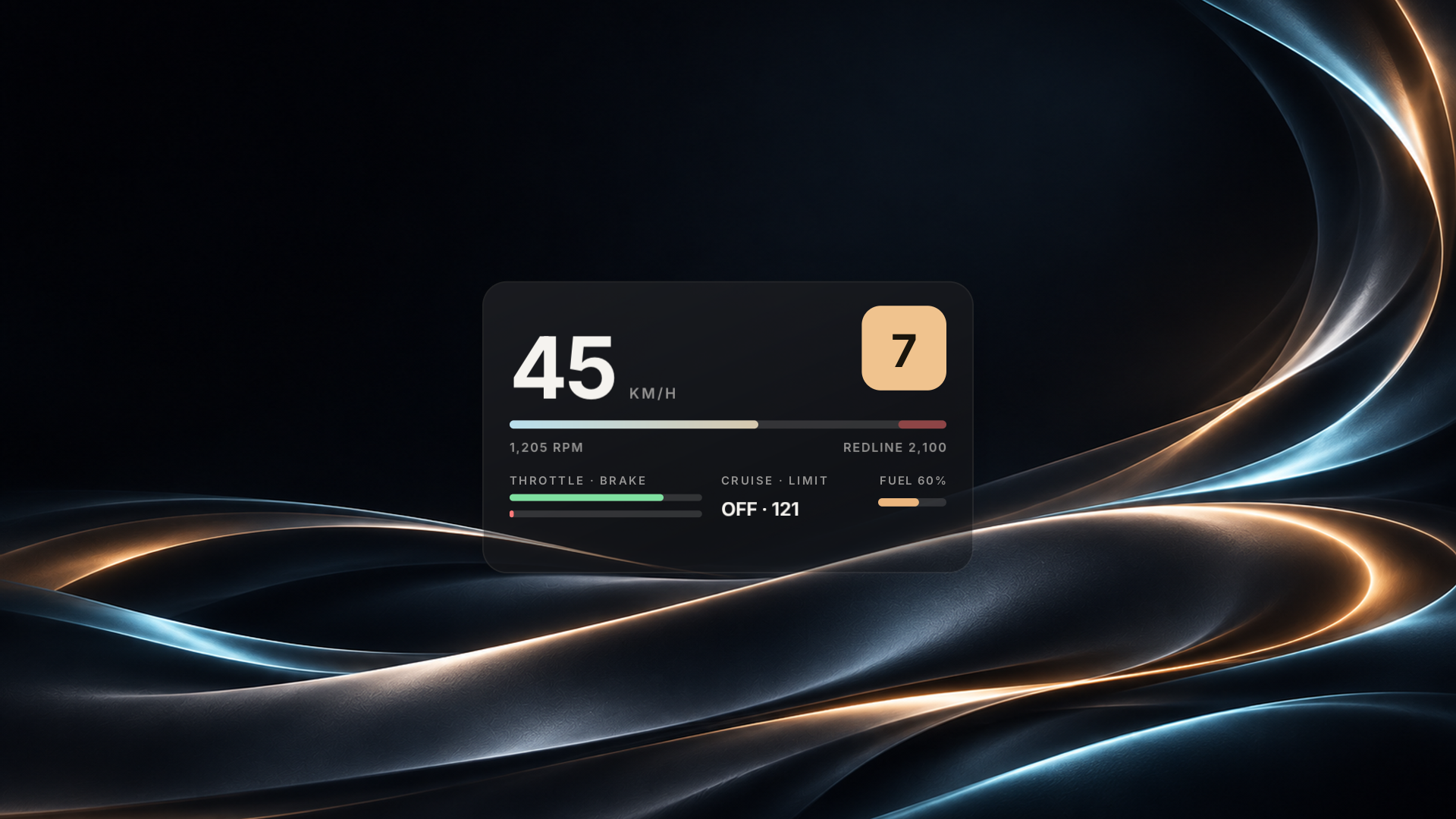
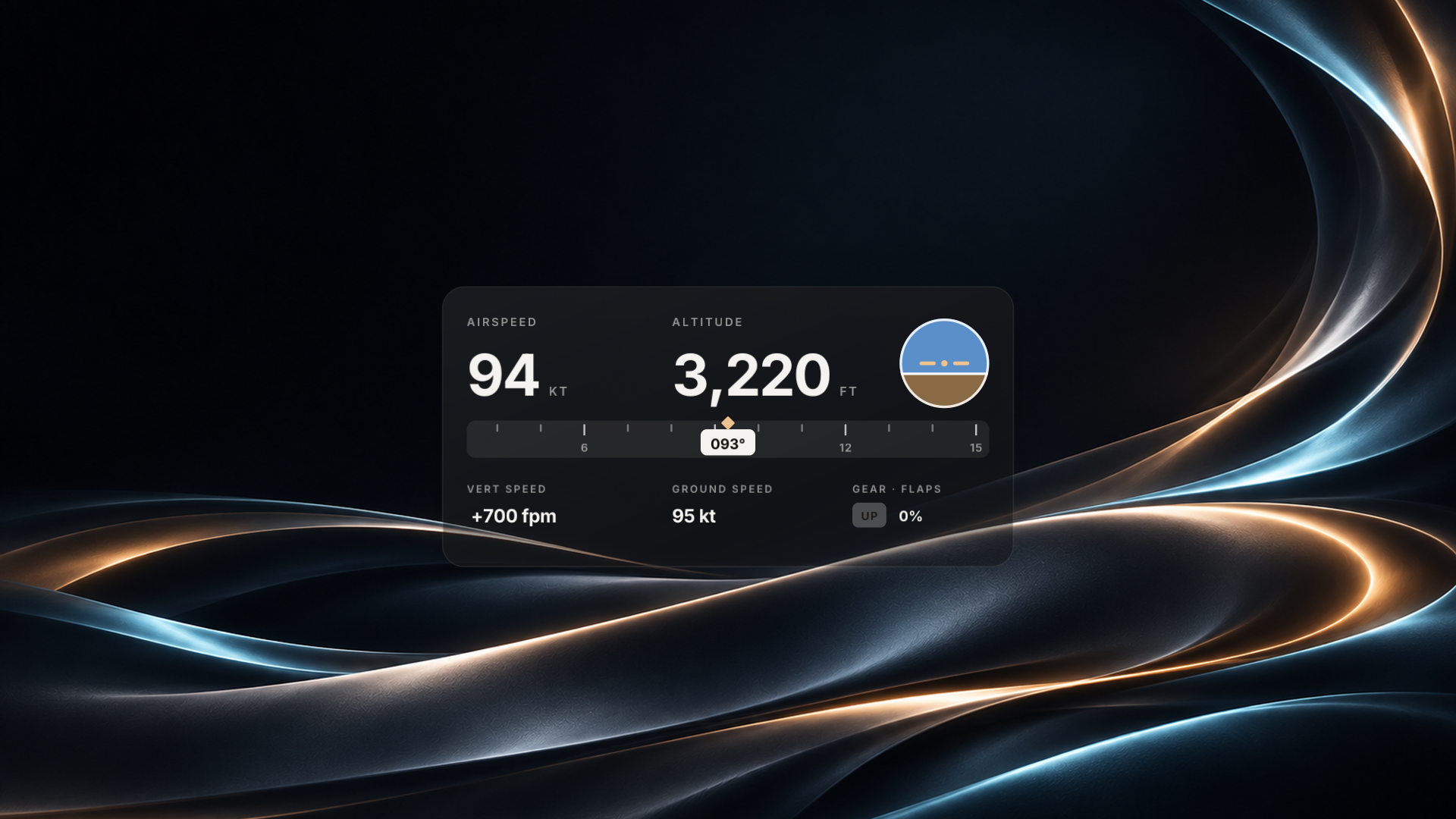
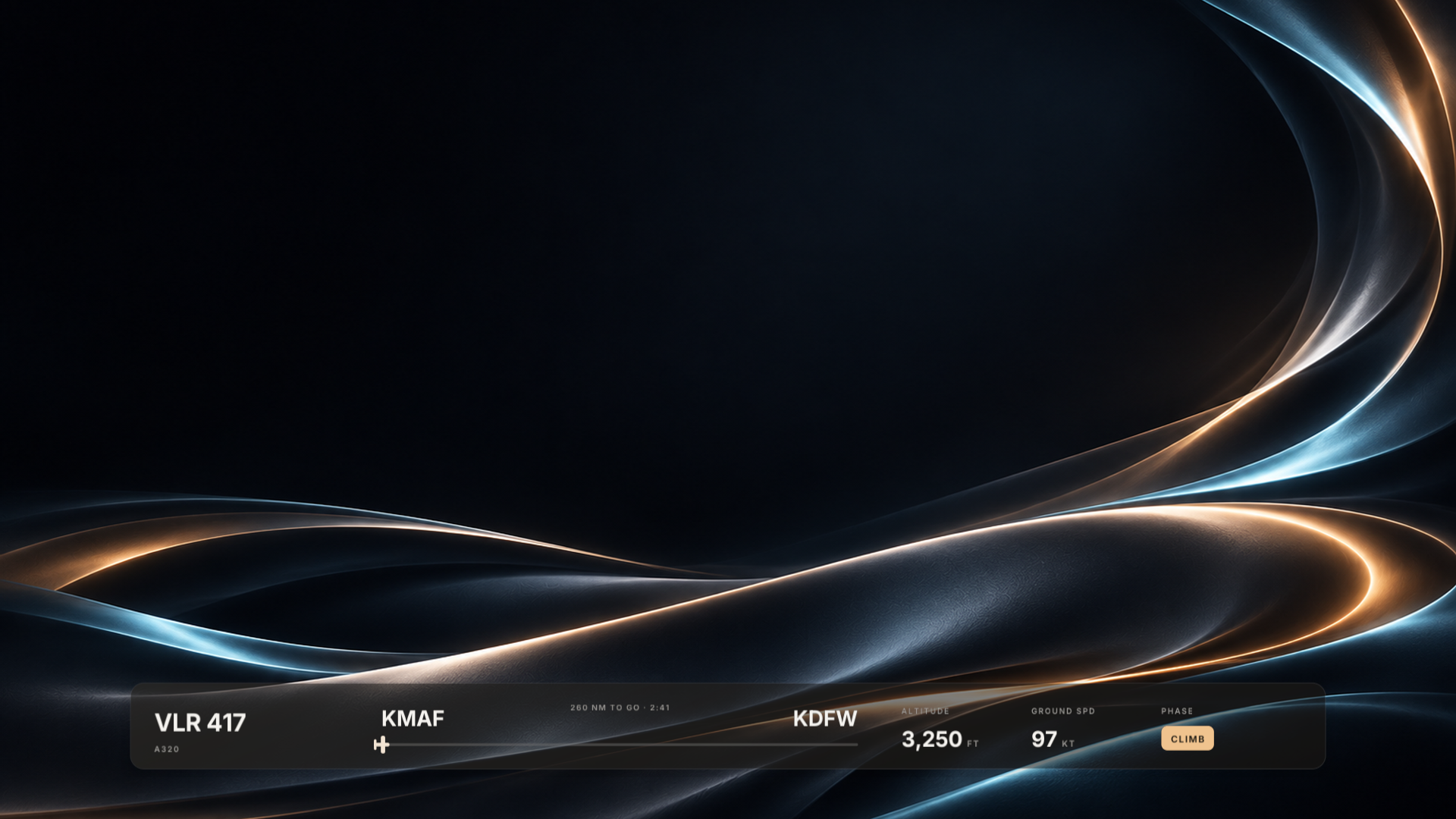
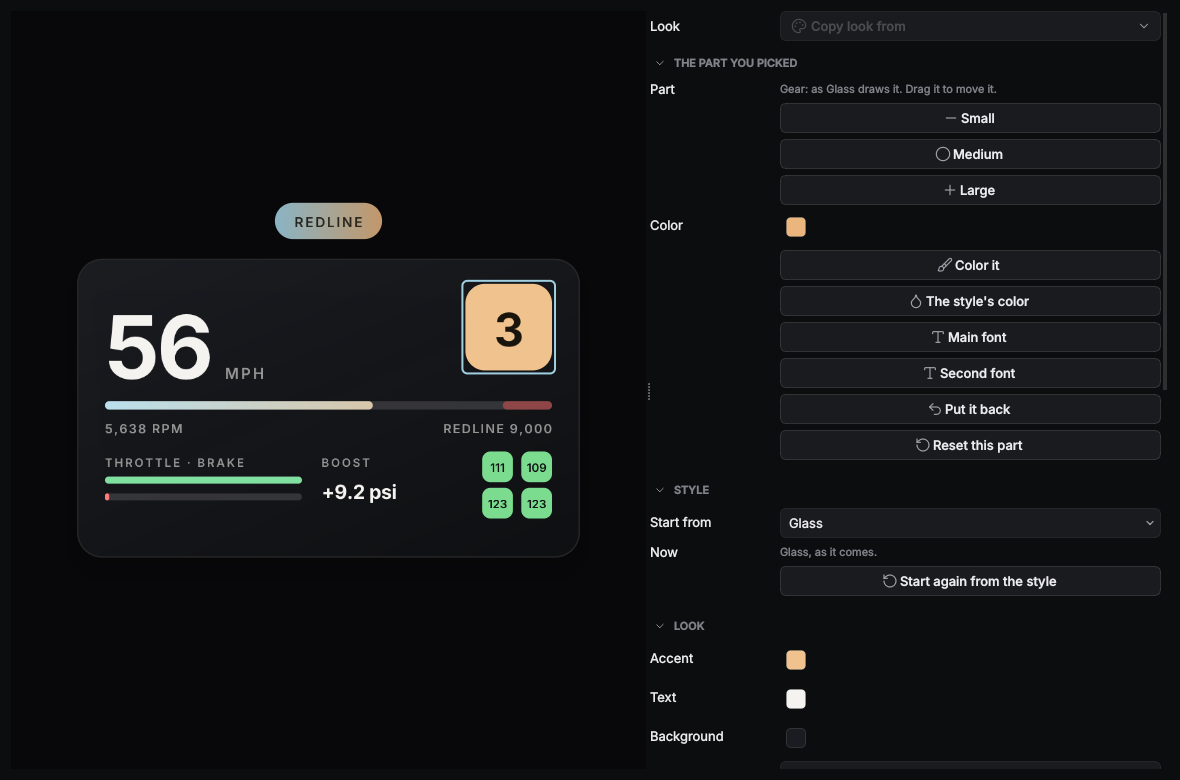
Velum Gauges puts your game's numbers on your stream: speed, revs, gear, boost and tires from Forza, F1 and the truck sims, or airspeed, altitude, attitude and heading from X-Plane and Microsoft Flight Simulator. Studio draws it straight into your scene, so there's no browser source and no captured window, and it stays sharp at any size.
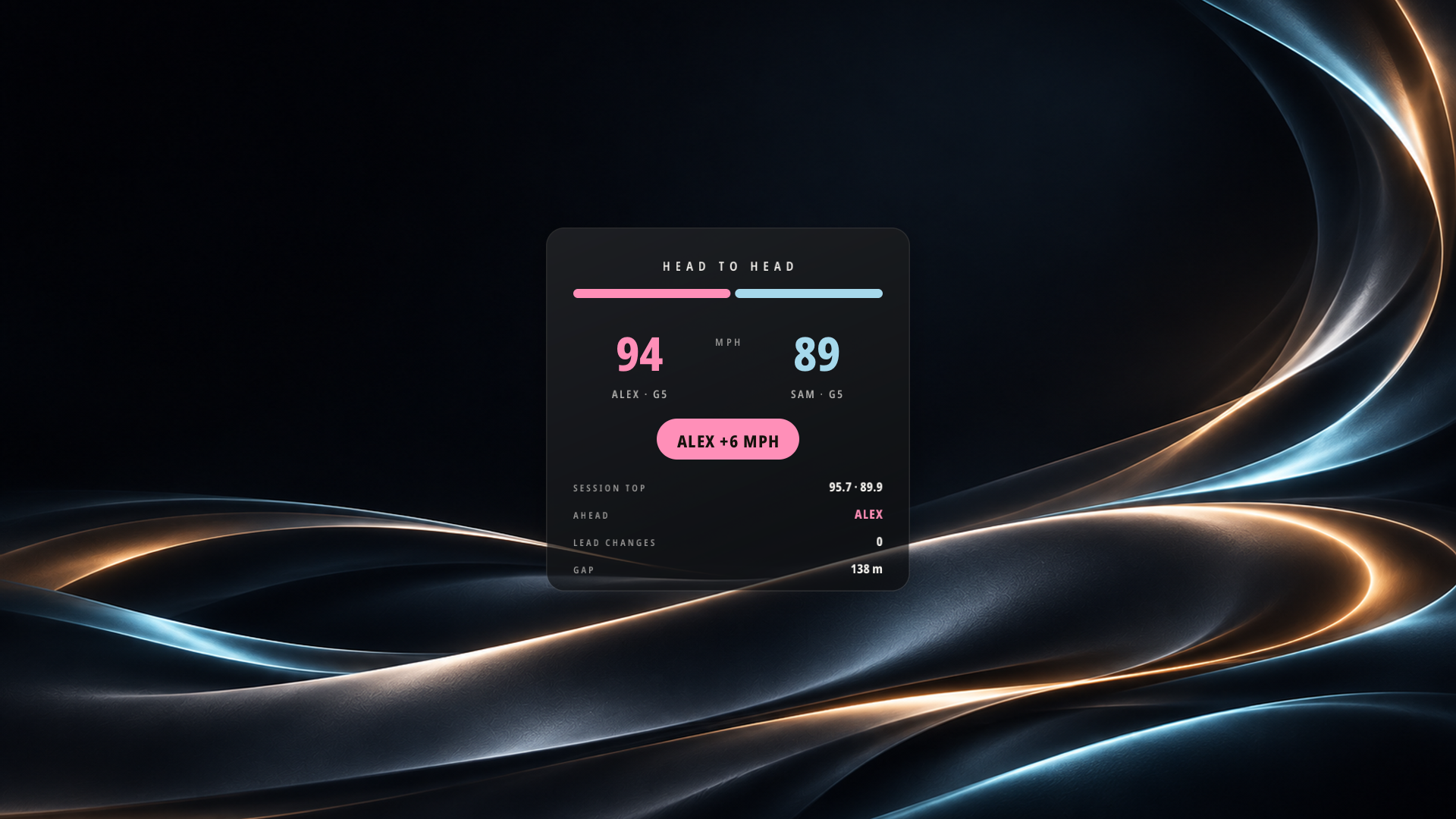
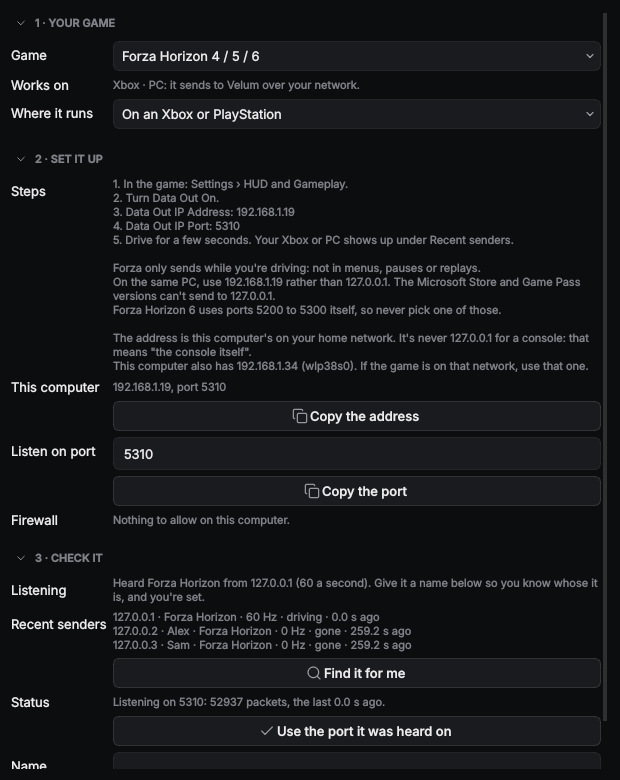
Pick a style (Glass, Needle, Pit Wall or Open Road for driving, Glass Flight or the Flight strip for flying), choose your colors and fonts, and move any part in the layout editor. Two consoles? Each one is its own driver, and a Head to head board shows who's faster, who's ahead and every lead change. Set up a game walks you through your game's settings with this computer's address already filled in, and Velum can pass the packets on to SimHub or a motion rig.
Works with Forza Horizon 4, 5 and 6, Forza Motorsport, F1 23, F1 24 and F1 25, American Truck Simulator, Euro Truck Simulator 2, X-Plane 11 and 12, and Microsoft Flight Simulator 2020 and 2024.
Guides for every game: https://velumstudio.app/launch/guides/gauges/
New and still growing: tell us what you find in the Velum Studio Testers Discord.
What it can do
- network
Version history
Version 0.1.0November 16, 2026
The first release: Glass, Needle, Pit Wall and Open Road gauges for driving, Glass Flight and the Flight strip for flying, a Head to head board for two drivers, the layout editor, Set up a game for every supported game, the truck helper for American Truck Simulator and Euro Truck Simulator 2, and relaying to SimHub. Needs Velum Studio beta.68 or later.
Information
- Category
- Plugin
- Publisher
- Velum Studio
- License
- Free with Velum Studio
- Size
- 34.5 MB
- Requires
- Velum Studio 0.1.1-beta.68 or later
- Identifier
- app.velumstudio.gauges