 Velum Studio
Dark theme
Studio High Contrast
Velum Studio · Made by Velum's team
White on black, borders you can see, and nothing left to guess.
Version 1.0.0 · October 5, 2026 · 190 KB
Open the Gallery in Velum Studio to install it in one click, or download studio-high-contrast.velumtheme and open it with Studio.
Signed by Legendre Media Inc. Studio checks the signature and the file's checksum before anything is installed.
Screenshots
About
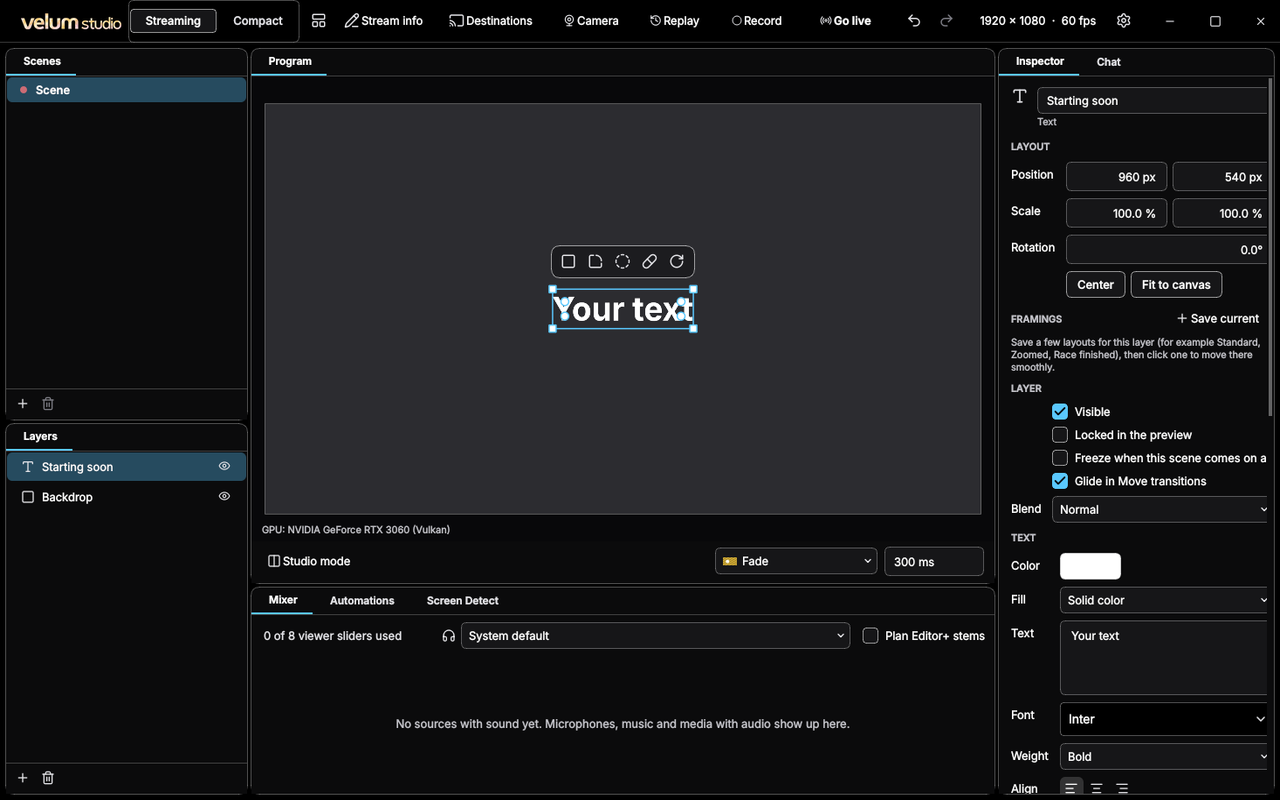
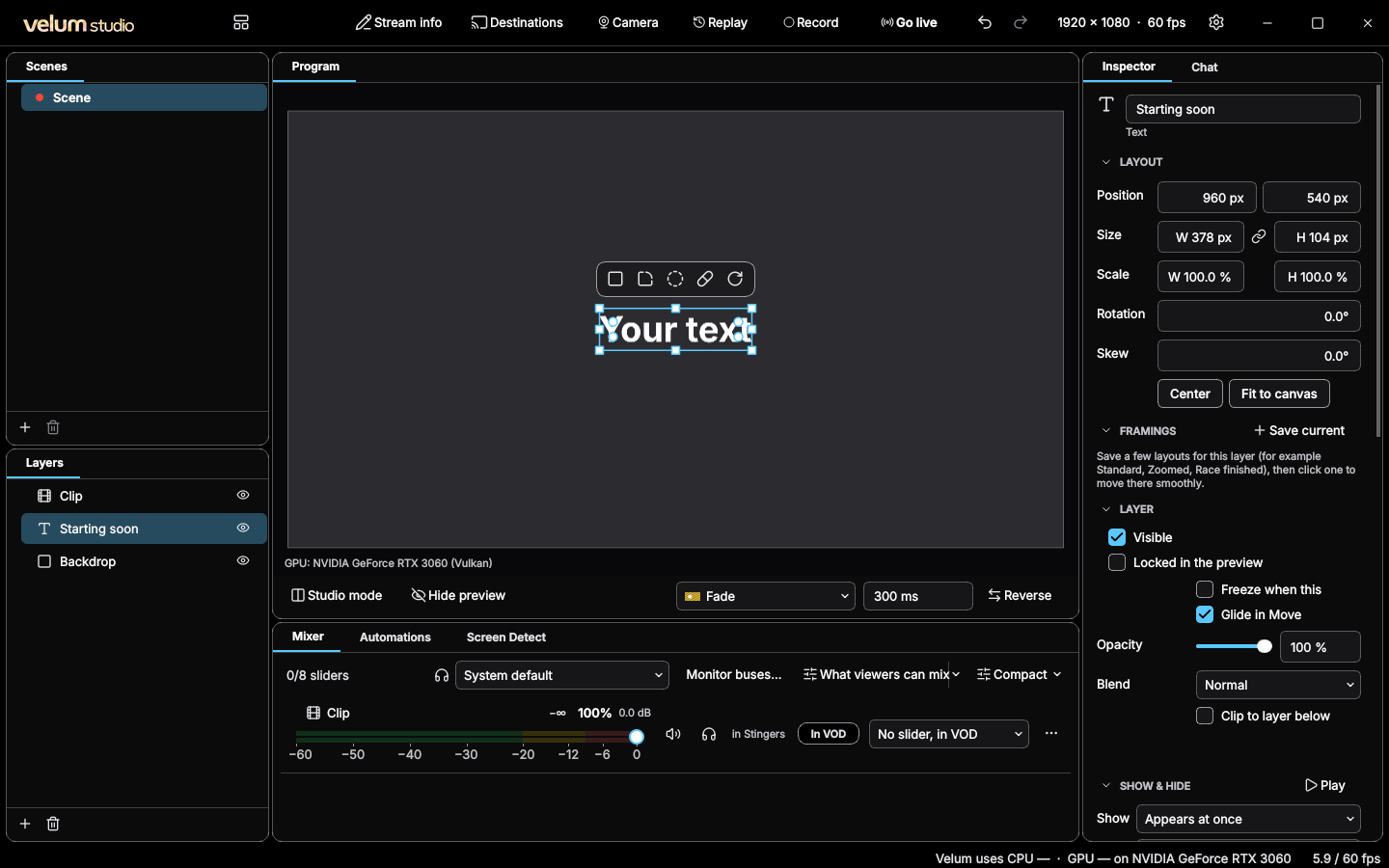
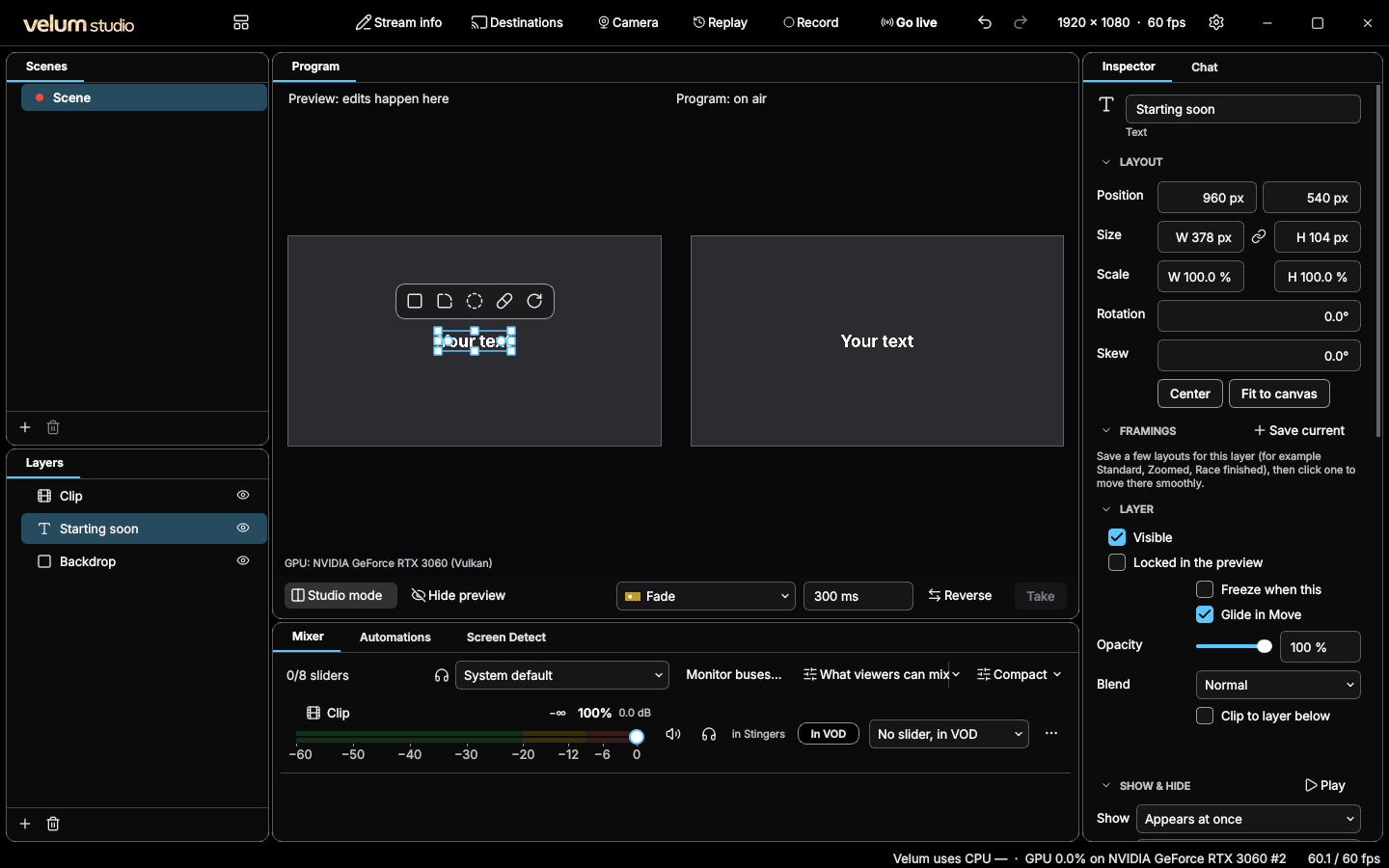
Studio Dark turned up for low vision and bright rooms: pure black behind white text, borders you can see at a glance, a cyan accent with black text on it, and status colors that never blend into the accent.
Every text and mark passes its contrast check with room to spare, and the LIVE badge stays red. It's the high-contrast theme the Velum design guidelines ask every extension to work under, beside Studio Dark and Studio Light.
What it can do
A theme holds colors, pictures and fonts. It never runs code, and its fonts are used by Studio only, never installed on your computer.
Version history
Version 1.0.0October 5, 2026
The first version.
Information
- Category
- Dark theme
- Publisher
- Velum Studio
- License
- Free with Velum Studio
- Size
- 190 KB
- Requires
- Any version of Studio
- Identifier
- app.velumstudio.theme.studio-high-contrast