 Velum Studio
Dark theme
MyNamesTee Blue Lagoon
MyNamesTee · Made for Velum
MyNamesTee Blue Lagoon
Version 2.0.0 · November 6, 2026 · 100 KB
Open the Gallery in Velum Studio to install it in one click, or download com.mynamestee.blue-lagoon.velumtheme and open it with Studio.
Reviewed by Velum Studio's team and countersigned by Legendre Media Inc., confirming the developer's signature and the reviewed contents. Studio checks both signatures and the file's checksum before anything is installed.
Screenshots
About
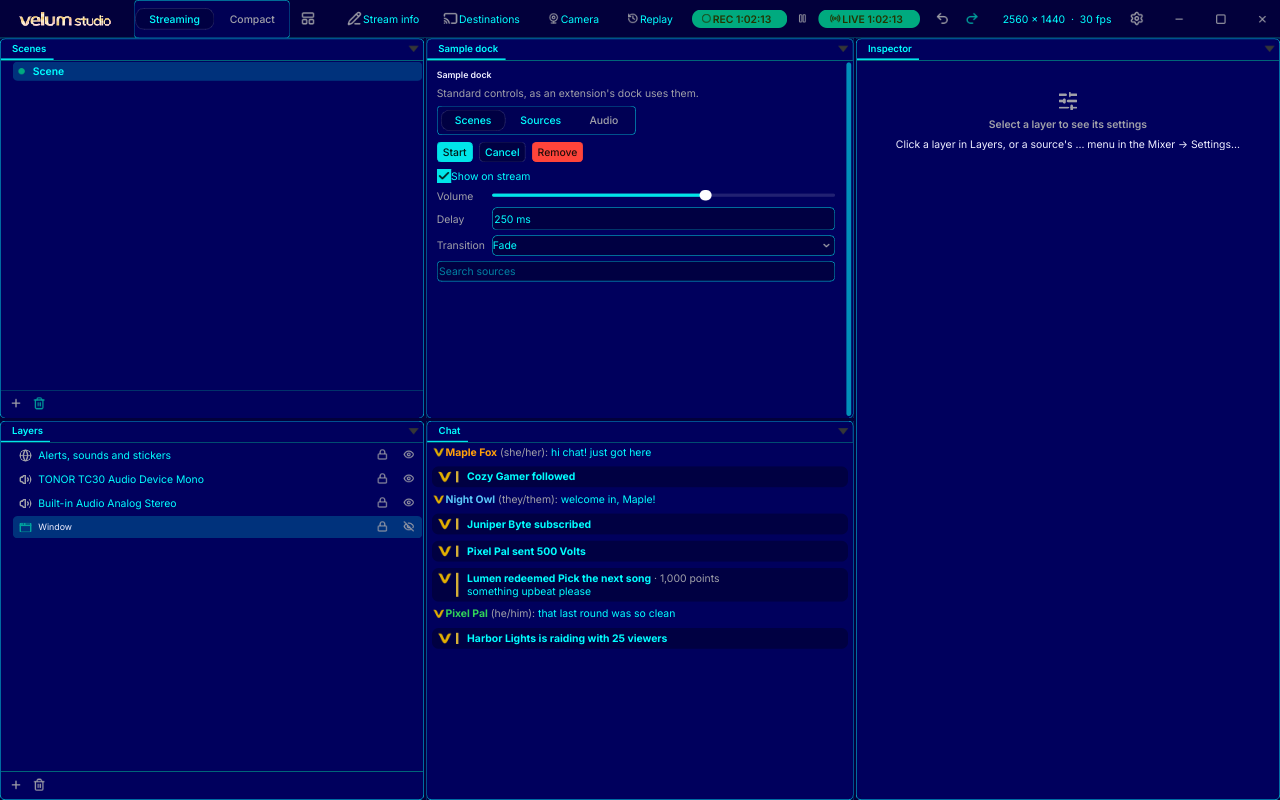
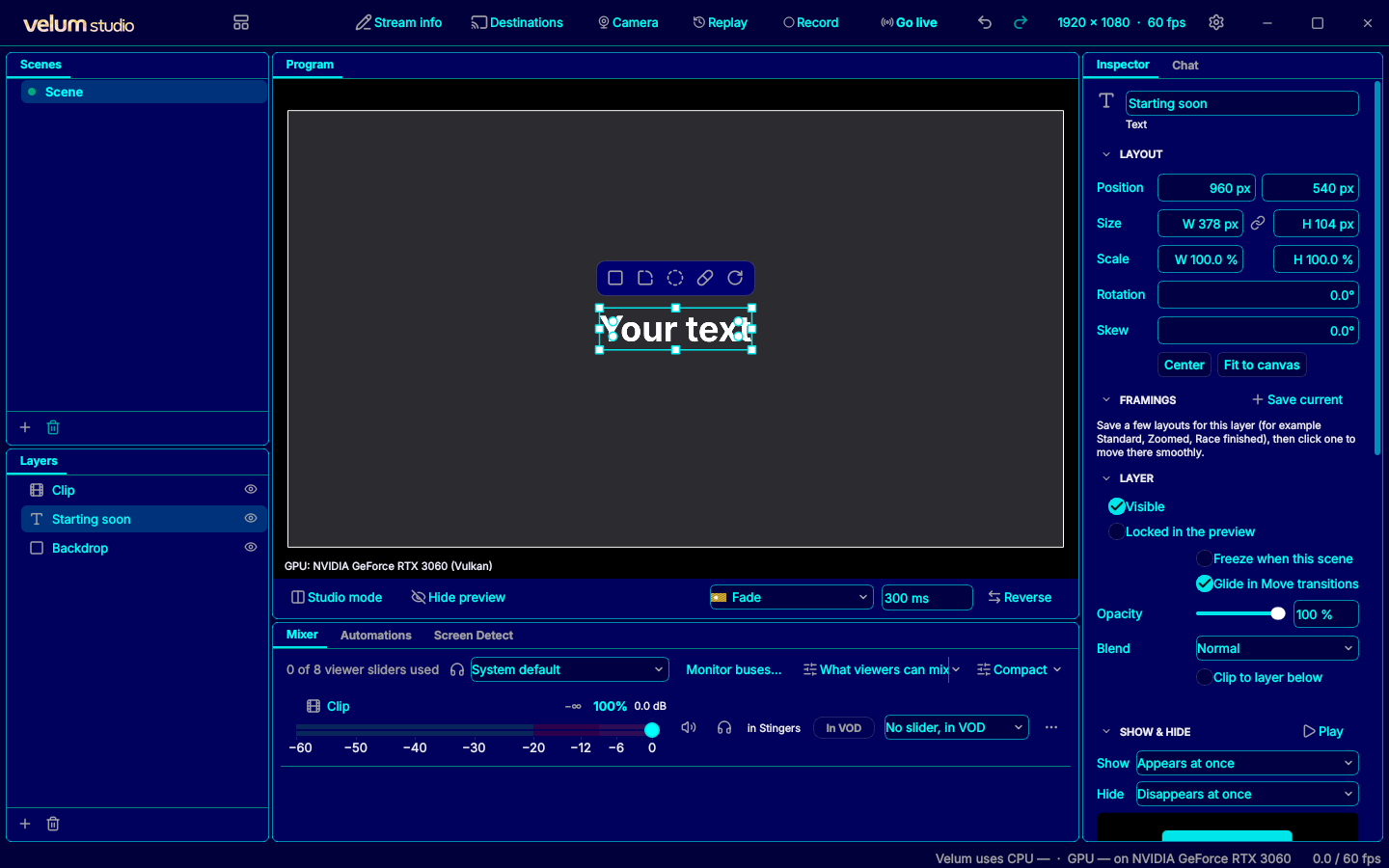
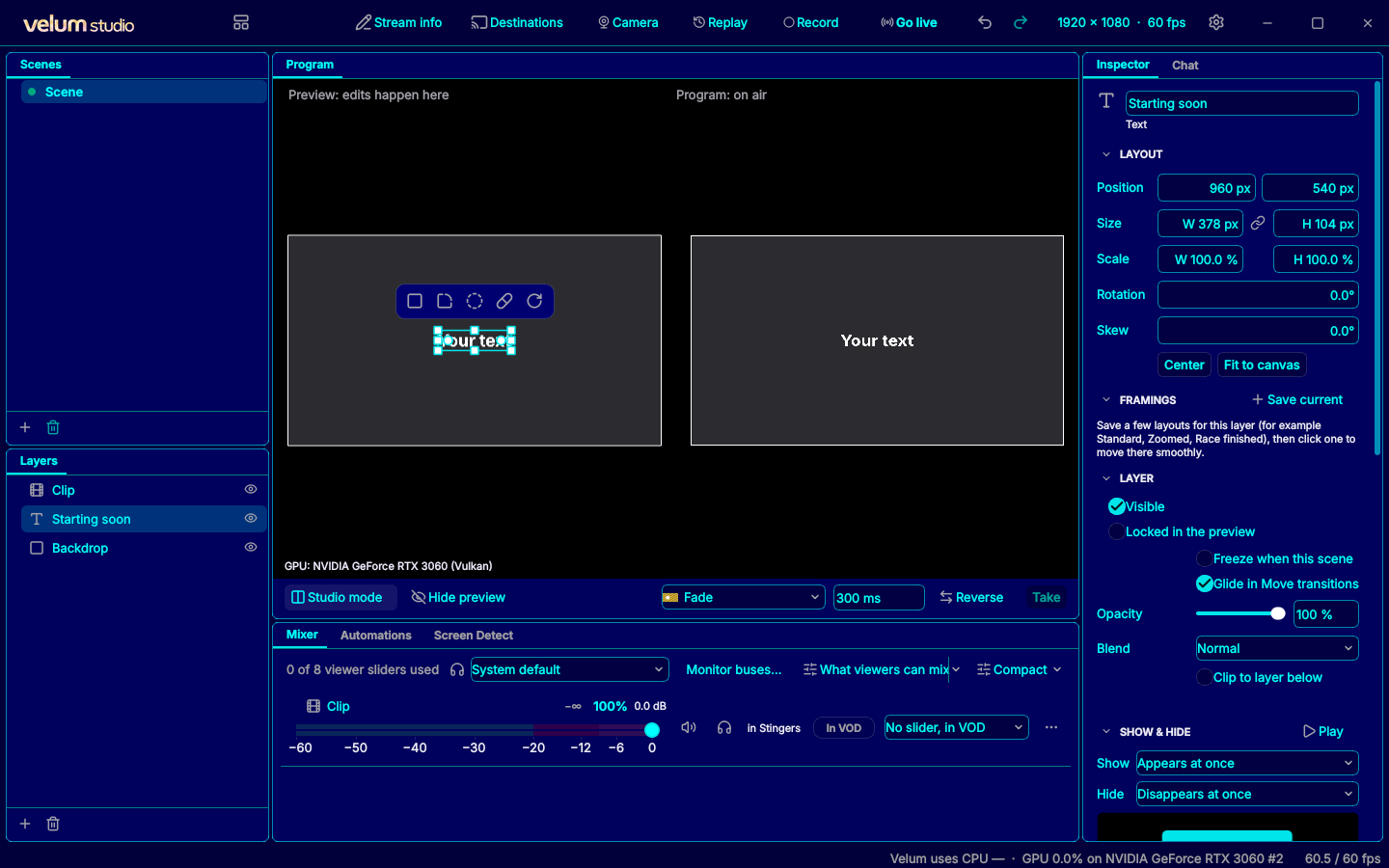
MyNamesTee's Blue and Cyan theme featuring deep blues and subtle glowing cyans!
What it can do
A theme holds colors, pictures and fonts. It never runs code, and its fonts are used by Studio only, never installed on your computer.
Version history
Version 2.0.0November 6, 2026
Introducing: Blue Lagoon V2! Now featuring: - A refreshed palette - Deeper blues - Subtle glowing cyans - Reduced rounded corners - Slightly increased screen space - Reduced brightness and easy on the eyes
Version 1.0.1November 3, 2026
Now with more accents
Version 1.0.0October 12, 2026
MyNamesTee's first Theme submission
Information
- Category
- Dark theme
- Publisher
- MyNamesTee
- License
- Free
- Size
- 100 KB
- Requires
- Any version of Studio
- Identifier
- com.mynamestee.blue-lagoon