
All guides
- Install on macOS
- Install on Windows
- Install on Linux
- Getting started
- Your first scene
- Chat, overlays and alerts
- Going live
- Streaming to Velora with VELoQ
- Recording and the replay buffer
- Transitions and studio mode
- Screenshots
- Automations and hotkeys
- Themes and Theme Studio
- Stream Deck, Touch Portal and Companion
- Face tracking with Velum Avatars
- Updates
- Velum Gauges
- Games and what you need
- Forza Horizon 4, 5 and 6
- Forza Motorsport
- F1 23, F1 24 and F1 25
- American Truck Simulator and Euro Truck Simulator 2
- X-Plane 11 and 12
- Microsoft Flight Simulator 2020 and 2024
- Two PCs: gaming and streaming
- When Velum Gauges hears nothing
Guides › Make it yours
Themes and Theme Studio
Switch between Studio Dark and Studio Light, or make a theme of your own.
Velum Studio comes with two themes, Studio Dark (to start with) and Studio Light. Theme Studio makes your own, from any color or any picture.
Switch themes
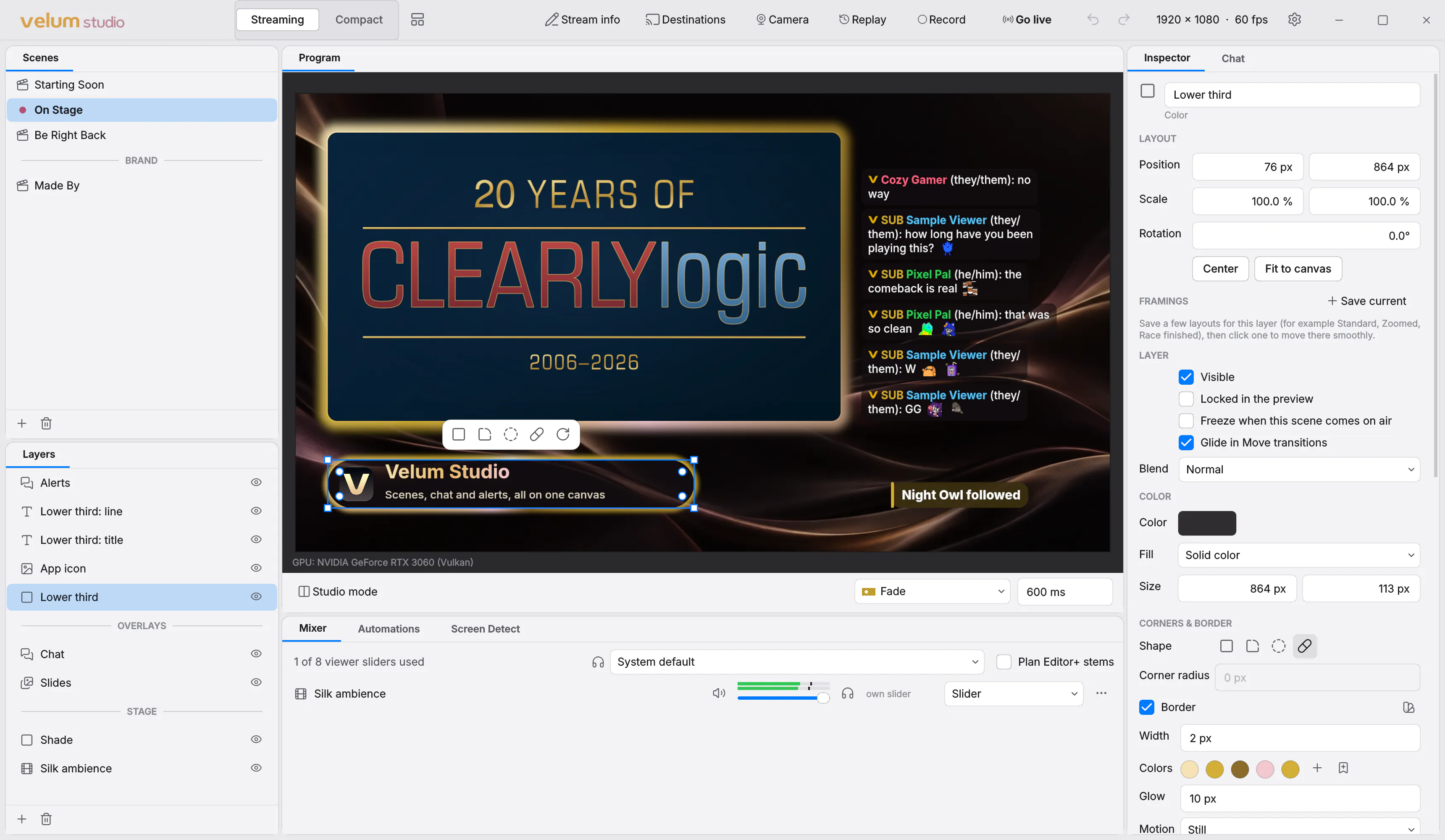
Choose the gear › Appearance… (Ctrl + ,, or ⌘ + , on a Mac). Pick a theme in the list; each says whether it's built in or yours, and light or dark. It changes at once.
Make your own in Theme Studio
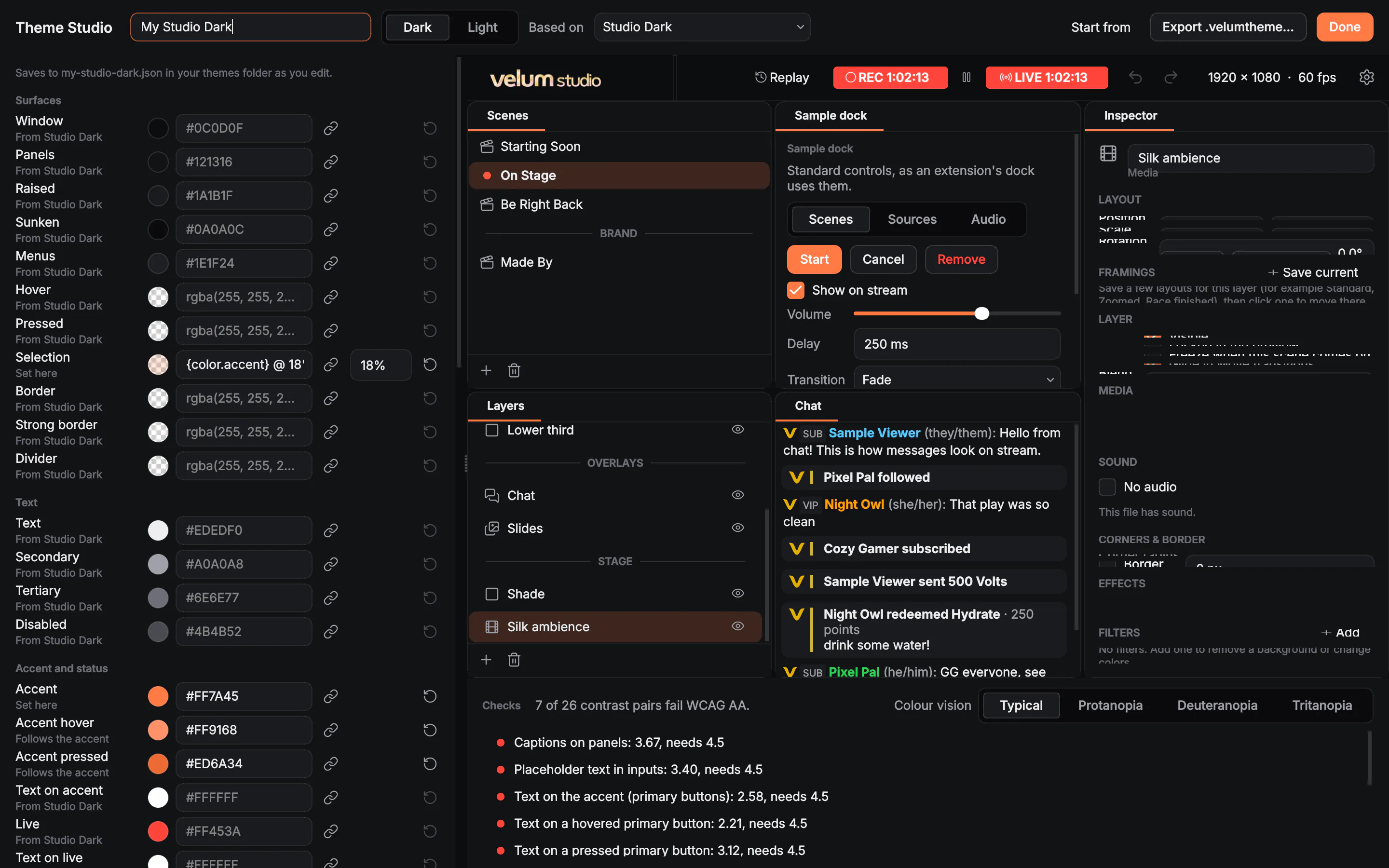
- In Appearance, choose New theme… (a new theme based on the one you're using) or Edit theme… (one of yours).
- Give it a Theme name. Start from offers Studio Dark, Studio Light, An accent color… or A picture….
- Change any color on the left: pick one, type it (
#RRGGBB,rgba(…)), or use another color of the theme with some transparency, like{color.accent} @ 22%. The sample of Studio on the right shows every change as you make it.
Theme Studio saves as you edit, into your themes folder (Open themes folder in Appearance).
From a picture
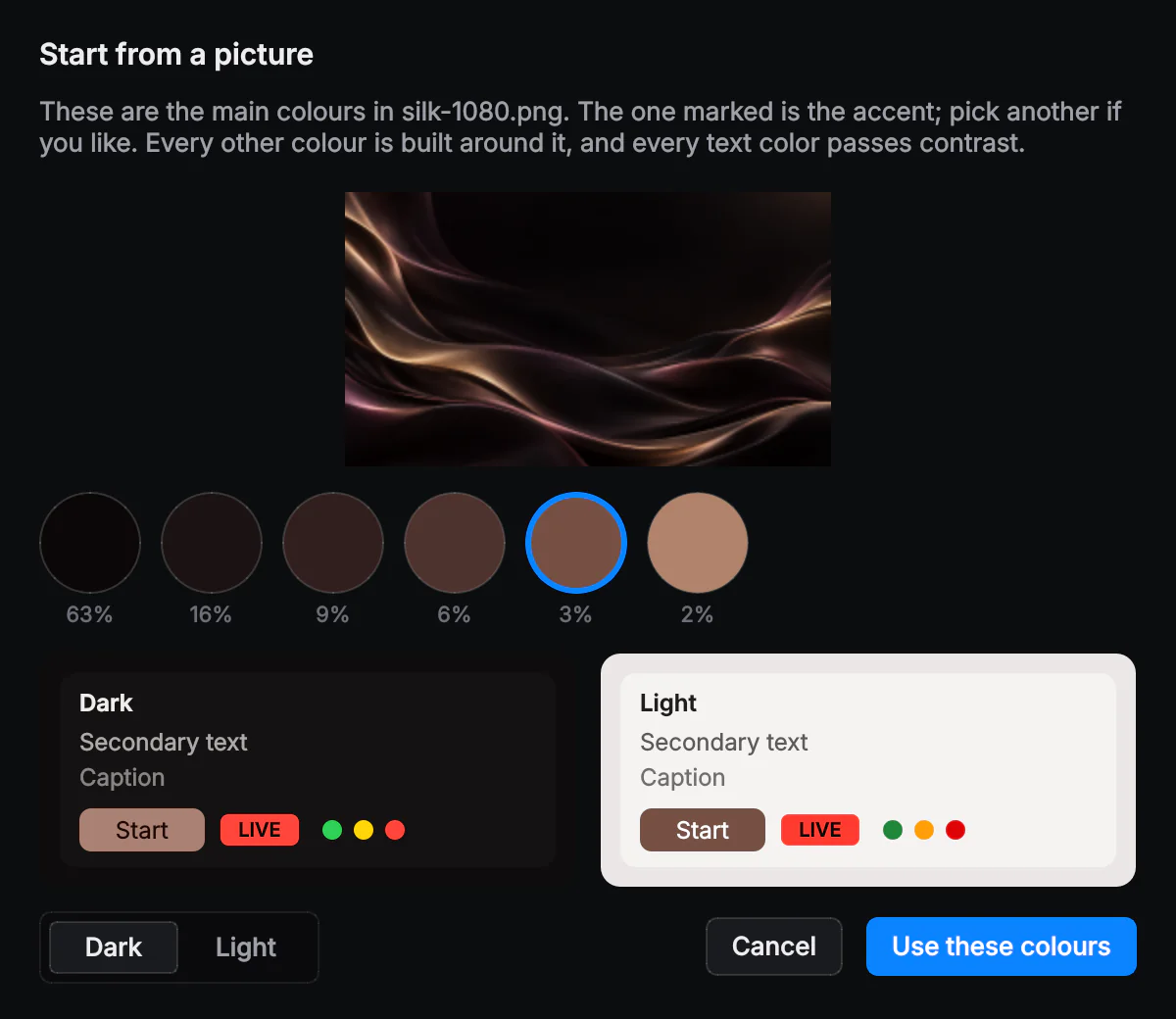
Choose A picture…. Studio finds the picture's main colors, marks the one it suggests as the accent, and builds every other color around it, with all the text kept readable. Pick another accent if you like, choose Dark or Light, and press Use these colors.
Checks
Under Checks, Contrast and status checks tests every text color against its background (WCAG AA) and lists any that are too faint, and checks that status colors like LIVE never look like a button. Colour vision shows your theme as people with protanopia, deuteranopia or tritanopia see it.
Share a theme
Export .velumtheme… in Theme Studio saves one file with the theme, a preview and an icon. To install one, open it, drop it on Studio's window, or choose the gear › File › Import….